

metadata
license: other
license_name: flux-1-dev-non-commercial-license
license_link: https://huggingface.co/black-forest-labs/FLUX.1-dev/blob/main/LICENSE.md
language:
  - en
tags:
  - flux
  - diffusers
  - lora
  - replicate
base_model: black-forest-labs/FLUX.1-dev
pipeline_tag: text-to-image
instance_prompt: TOK
widget:
  - text: a portrait photo of TOK
    output:
      url: >-
        https://replicate.delivery/yhqm/w9AxnTDZFar0L58aIs6cHSGtP8AiwWteAMeVz8Rld8dhf9lmA/out-0.webp
  - text: a portrait photo of TOK
    output:
      url: >-
        https://replicate.delivery/yhqm/m1hiqJeAZdV1QafFjOqyKrx8xeajLqG0qWbHUw36zkX0meLNB/out-0.webp
Flux Mona Lisa
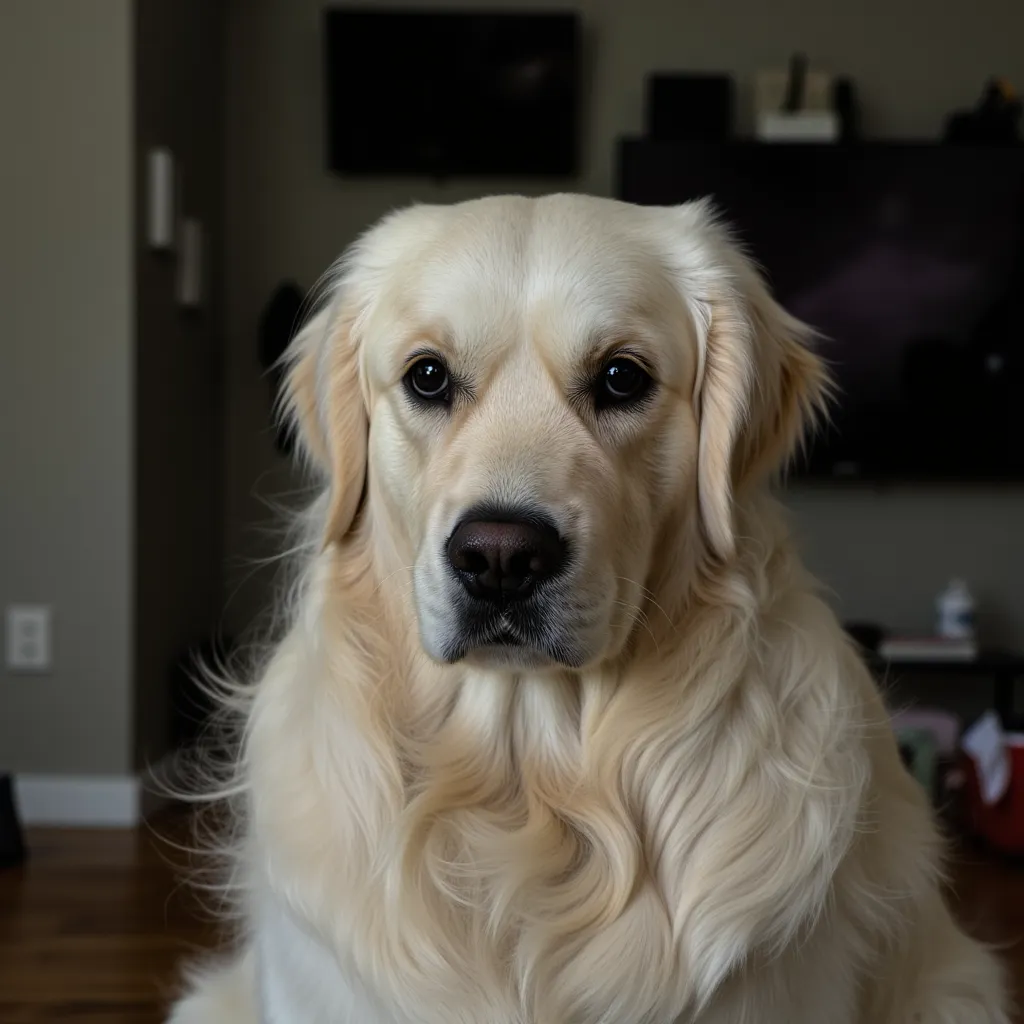
- Prompt
- a portrait photo of TOK
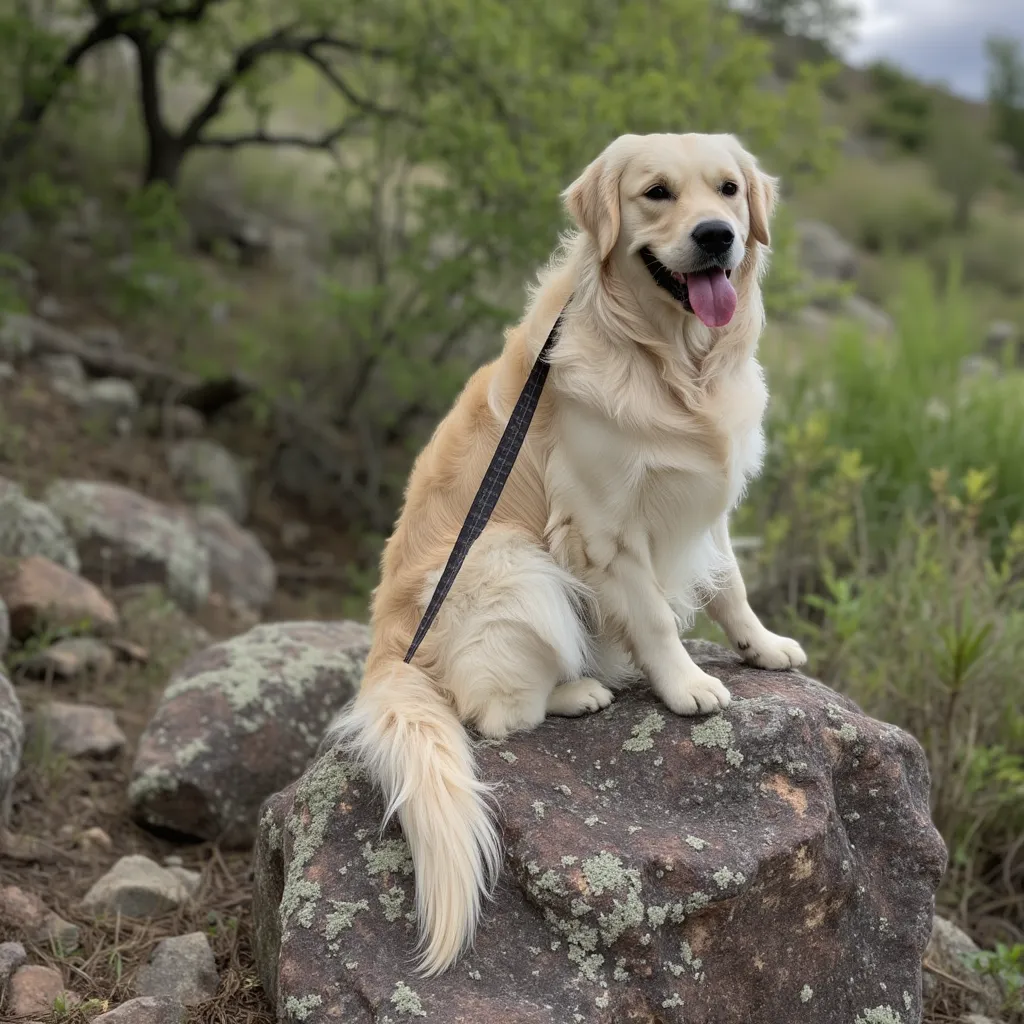
- Prompt
- a portrait photo of TOK
Trained on Replicate using:
https://replicate.com/ostris/flux-dev-lora-trainer/train
Trigger words
You should use TOK to trigger the image generation.
Training Details
26 images of Queso (the dog) LoRA trained for 500 steps
prompt: "a photo of TOK"