

Text-to-Image
Diffusers
stable-diffusion
lora
template:sd-lora
migrated
style
construction
vest
safety
ralfinger
reflectiv
high-vis
import torch
from diffusers import DiffusionPipeline

# switch to "mps" for apple devices
pipe = DiffusionPipeline.from_pretrained("stabilityai/stable-diffusion-xl-base-1.0", dtype=torch.bfloat16, device_map="cuda")
pipe.load_lora_weights("WEN8/reflectiv-vest-style-sdxl")

prompt = " "
image = pipe(prompt).images[0]Reflectiv Vest Style [SDXL]
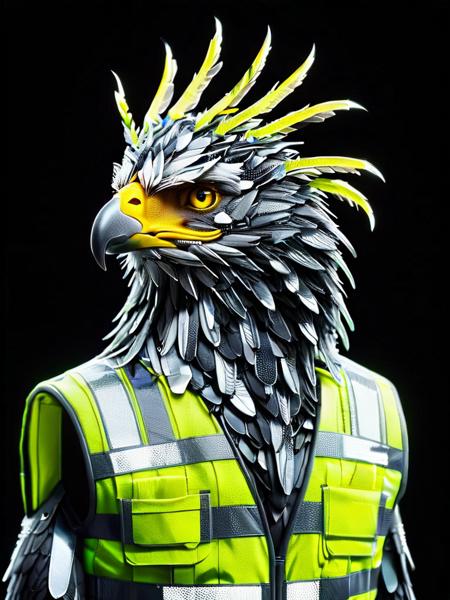
- Prompt

- Prompt
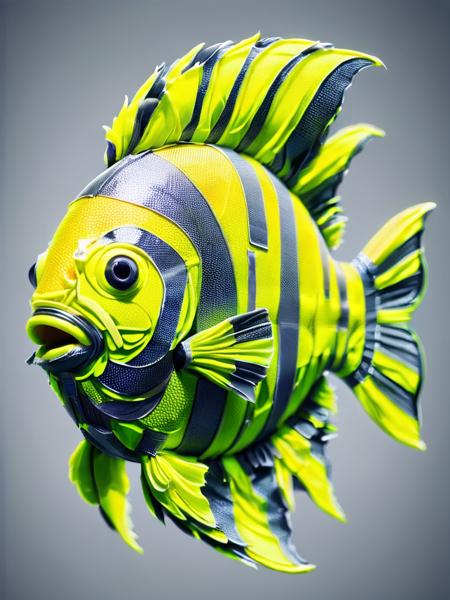
- Prompt

- Prompt

- Prompt

- Prompt
(CivitAI)
Model description
Trigger: ral-reflectivest
☕ Buy me a coffee: https://ko-fi.com/ralfingerai
🍺 Join my discord: https://discord.gg/g5Pb8qNUuP
Trigger words
You should use ral-reflectivest to trigger the image generation.
Download model
Weights for this model are available in Safetensors format.
Download them in the Files & versions tab.
Use it with the 🧨 diffusers library
from diffusers import AutoPipelineForText2Image
import torch

pipeline = AutoPipelineForText2Image.from_pretrained('stabilityai/stable-diffusion-xl-base-1.0', torch_dtype=torch.float16).to('cuda')
pipeline.load_lora_weights('WEN8/reflectiv-vest-style-sdxl', weight_name='ral-reflectivest-sdxl.safetensors')
image = pipeline('`ral-reflectivest`').images[0]
For more details, including weighting, merging and fusing LoRAs, check the documentation on loading LoRAs in diffusers
- Downloads last month
- 16
Model tree for WEN8/reflectiv-vest-style-sdxl
Base model
stabilityai/stable-diffusion-xl-base-1.0